Design tool
Put your logo on it. See it first.
Pick from 17 garments, choose a colour, drop your artwork where you want it and send it over. No minimum order, and nothing gets printed until you've approved a proof.
1. Pick a garment
180gsm ring-spun cotton. The default for events, staff and merch runs.
2. Colour
Black
3. Where does it go?
Print size 297 × 420mm
Or grab the orange Move tab on the garment and drag the print area wherever you want it.
4. Your artwork
Drag to move, corner handles to resize and rotate. Double-tap any text to type your own words. Tap something and press Delete to remove it, or Start again to wipe the lot. Nothing can leave the dashed print area — that's the real press limit.
…or start from a ready-made design
Pick one, then tap the words on the garment to swap [NAME] and [DATE] for your own.
5. Sizes and quantities
No minimum order. One is a real order.
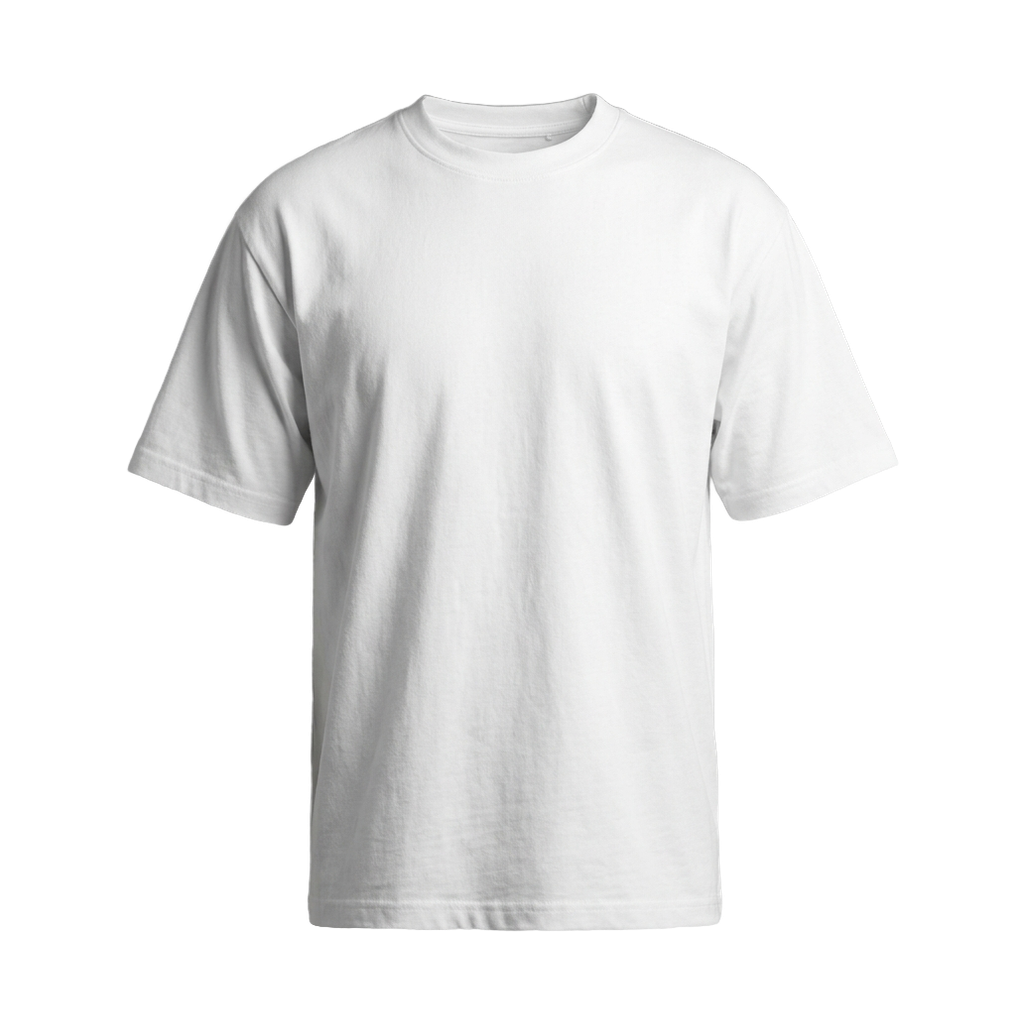
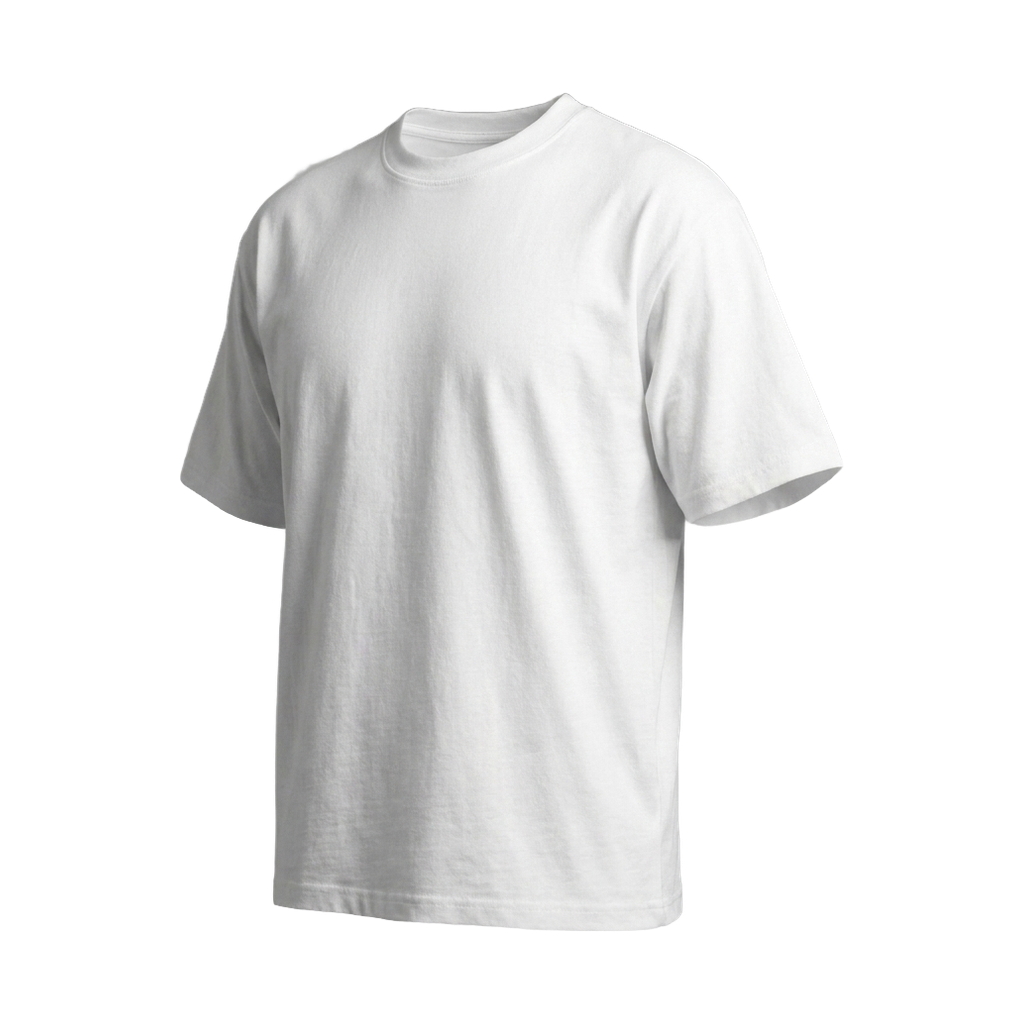
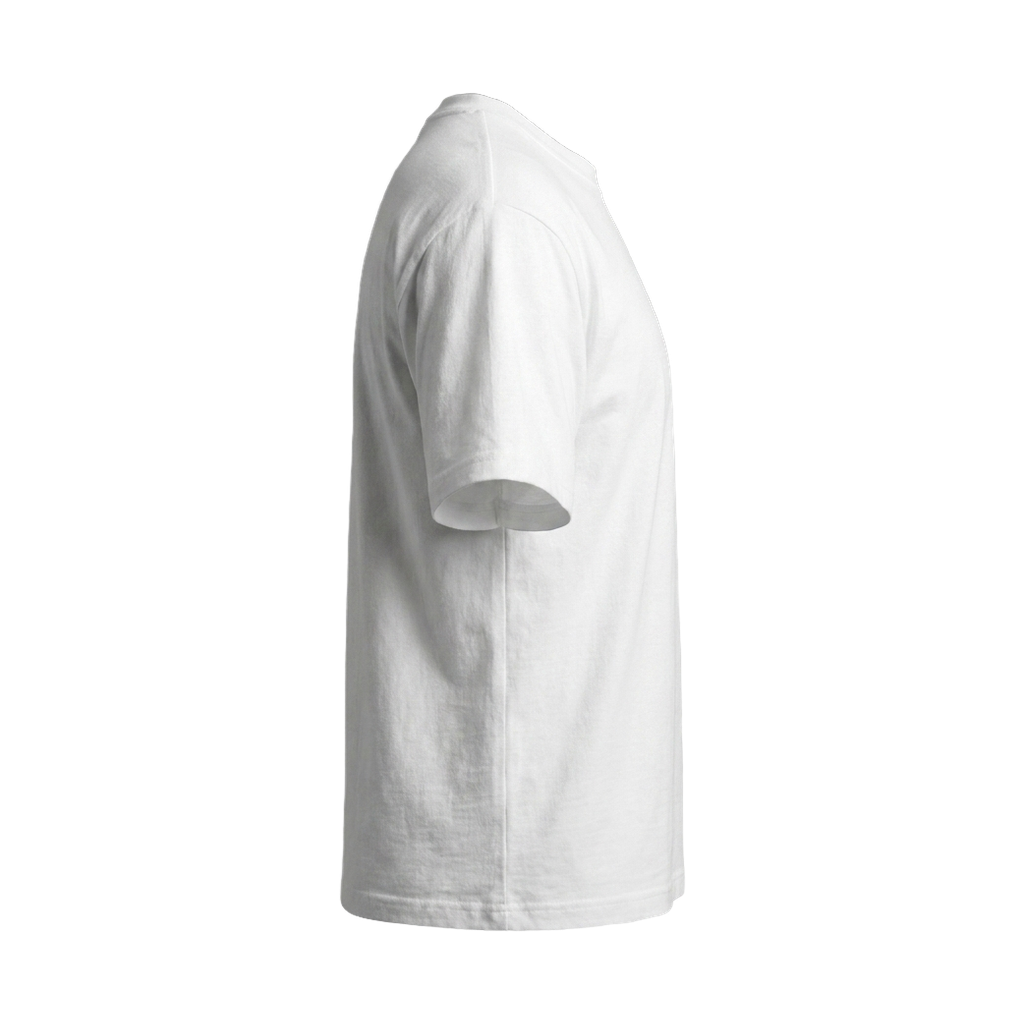
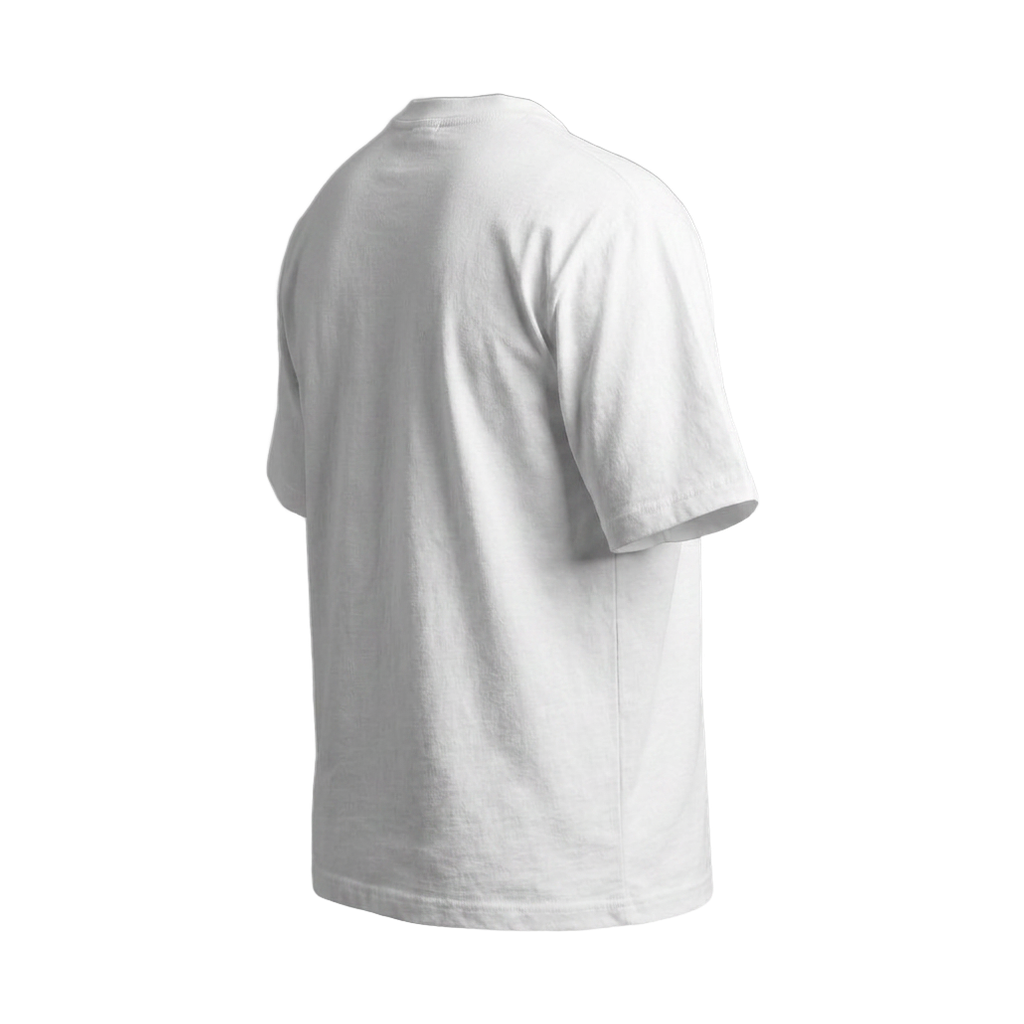
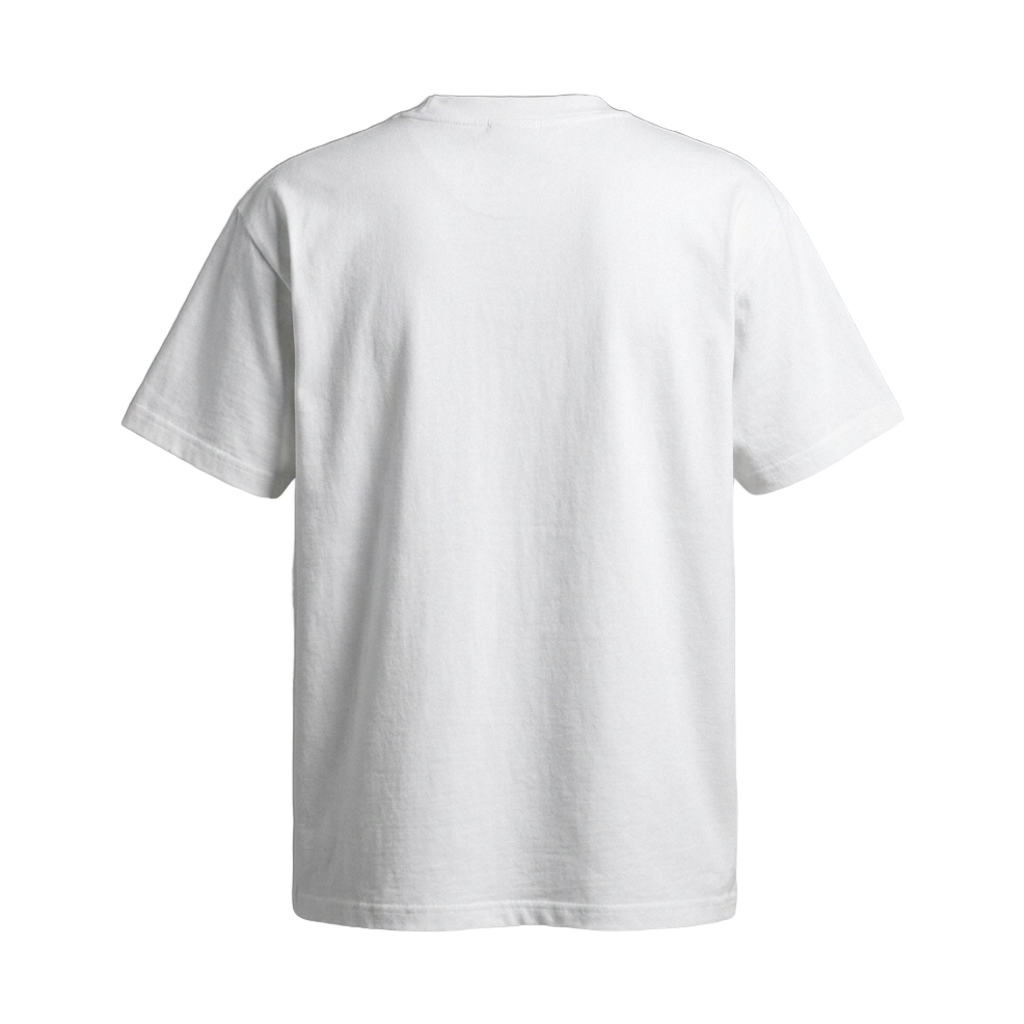
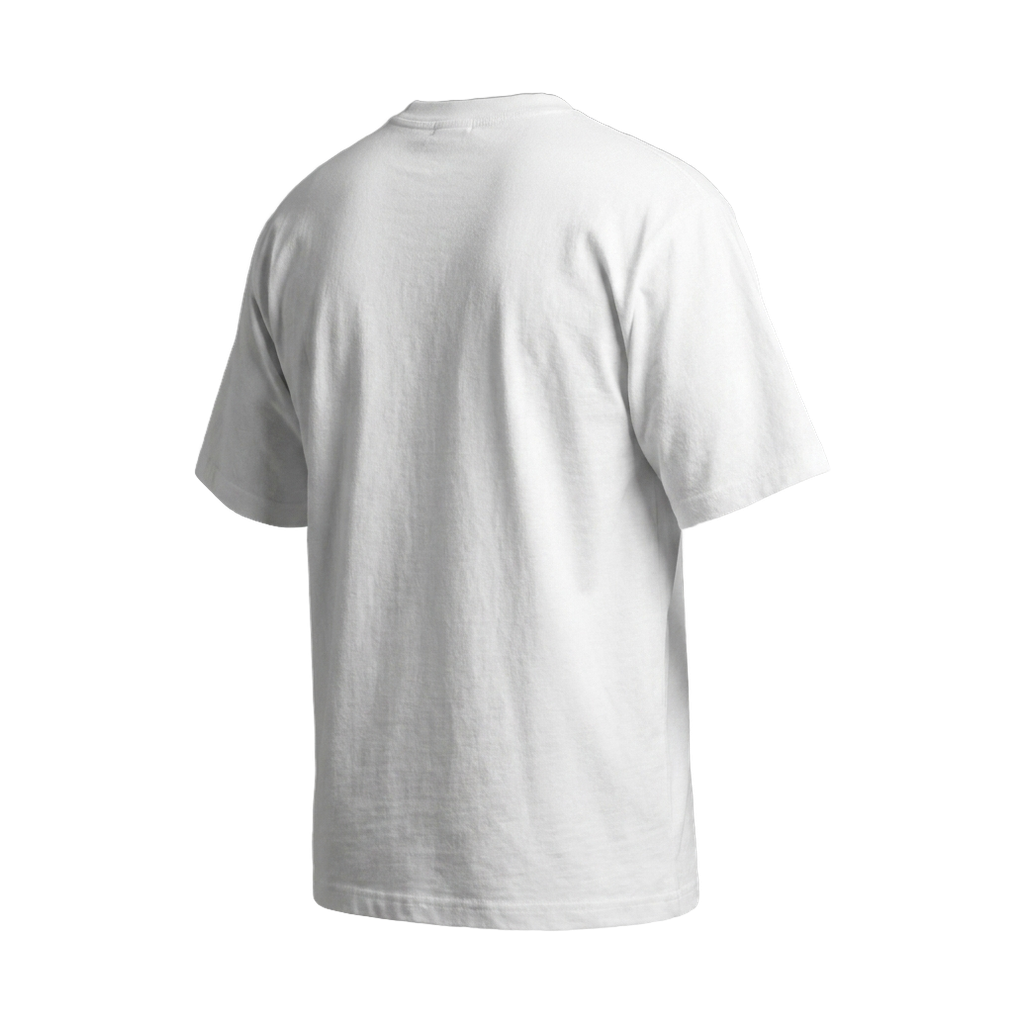
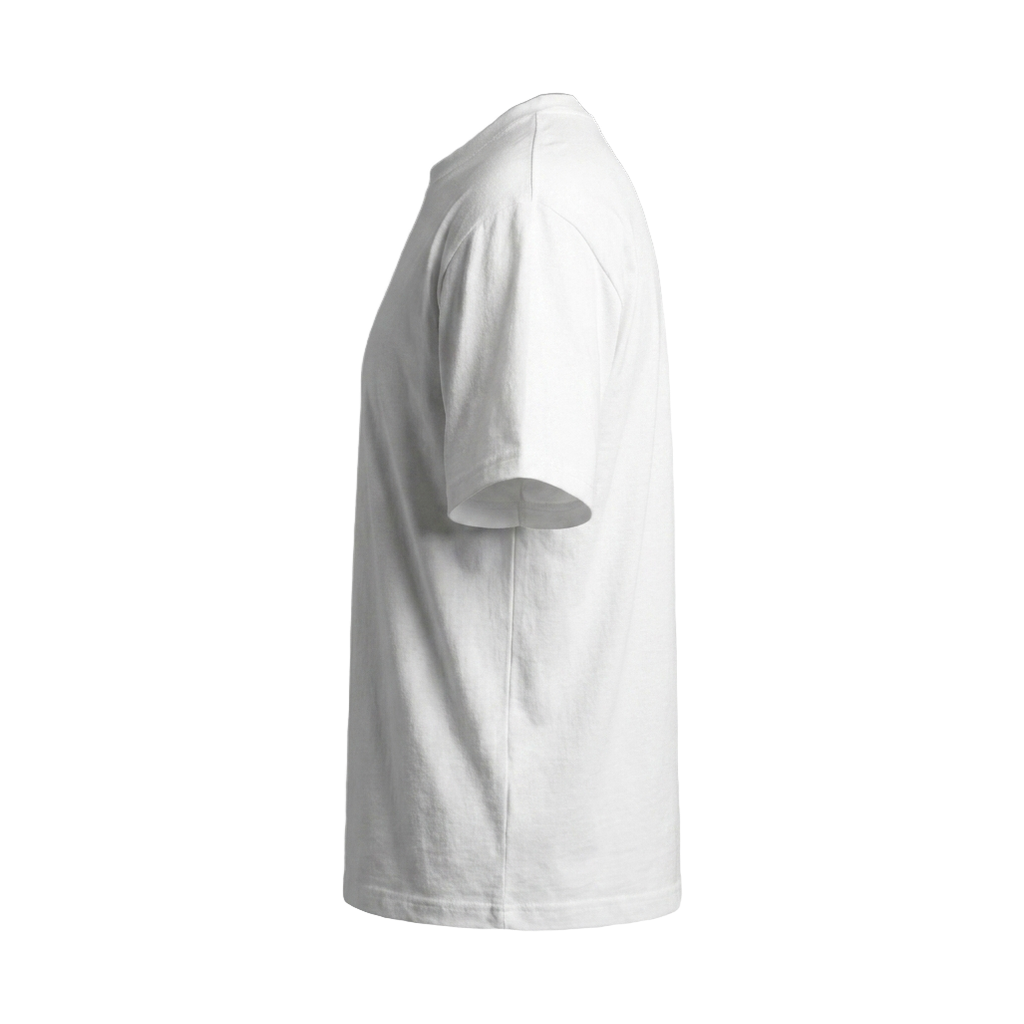
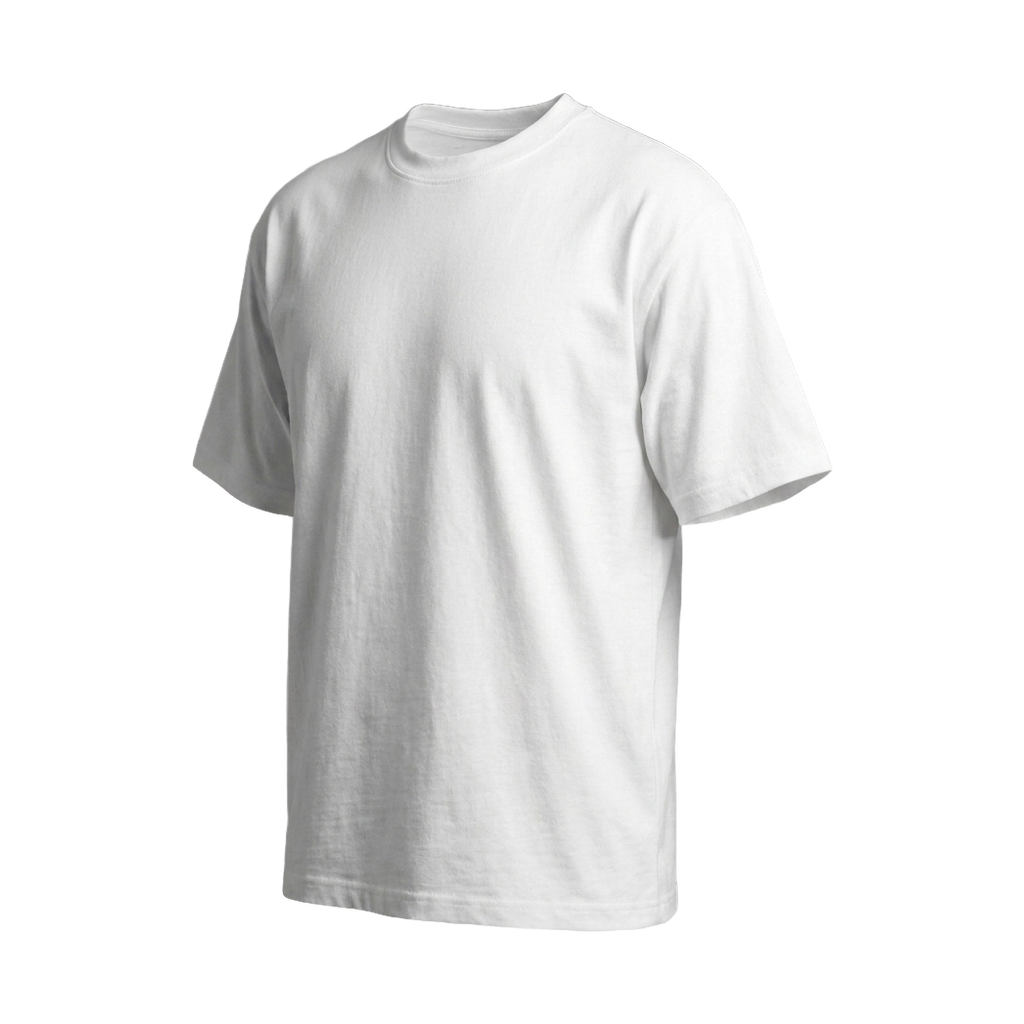
Front — full · 297 × 420mm
This preview is drawn to scale against the real print area. What you position here is exported at 300dpi and pressed exactly as shown.
It's drawn to scale
The dashed box is the real press area in millimetres. If it fits on screen, it fits on the garment — no surprises at proof stage.
It exports a print file
What you position is exported at 300dpi at actual size, not a screenshot. That's why we can turn it round quickly.
We check it anyway
A human looks at every design before anything is pressed. If your artwork is too small or a colour won't hold, we'll tell you.